Parallax System
Create charming 2D pixel characters step-by-step.
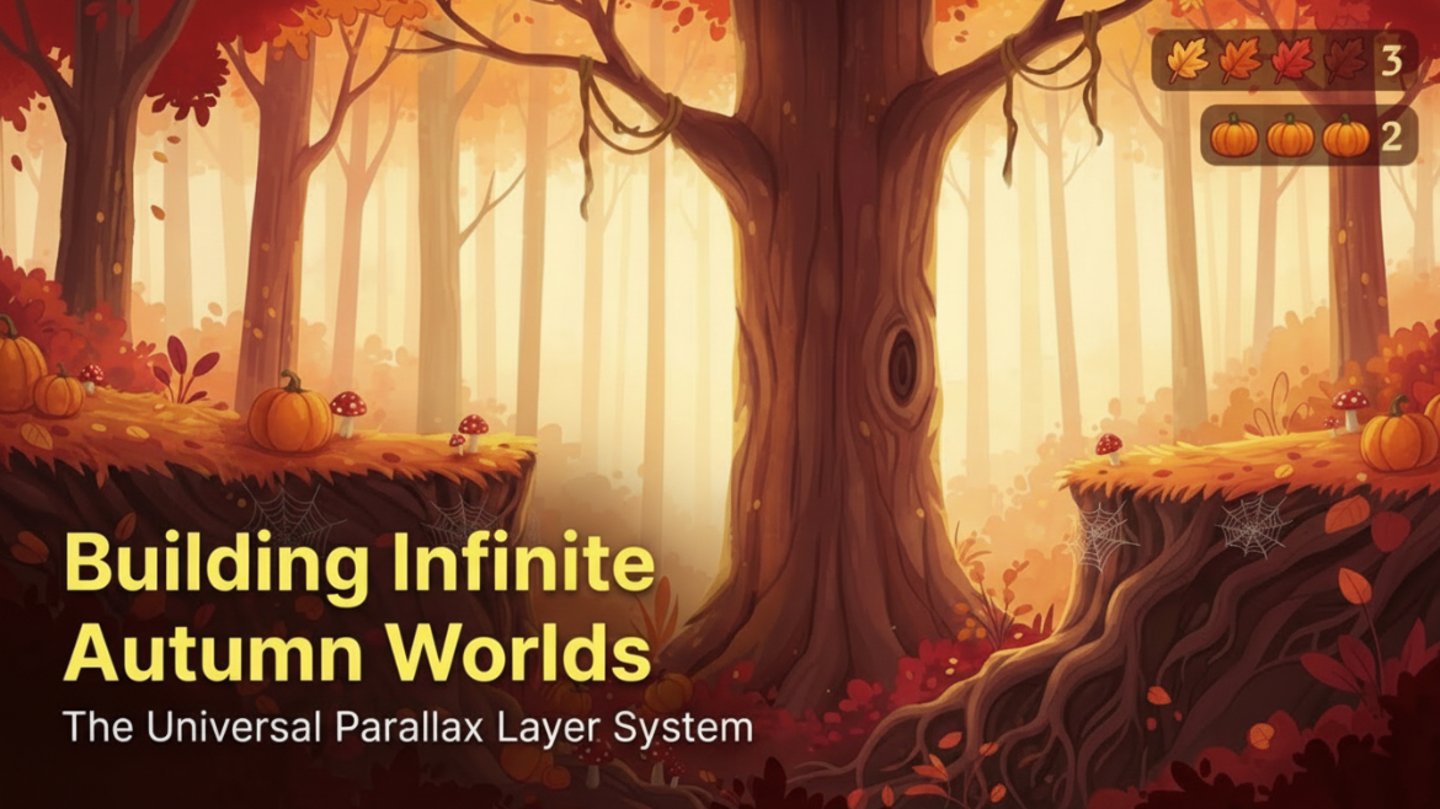
Today I’m showing you how to create a Universal Parallax Layer System for 2D platformer games using AI.
We start by generating a production-ready in-game scene, then convert it into perfectly aligned depth layers ready for Unity, Godot, Unreal, or any modern 2D / 2.5D engine.
This workflow lets you:
• Generate a full playable scene using AI
• Lock camera angle and horizon for consistency
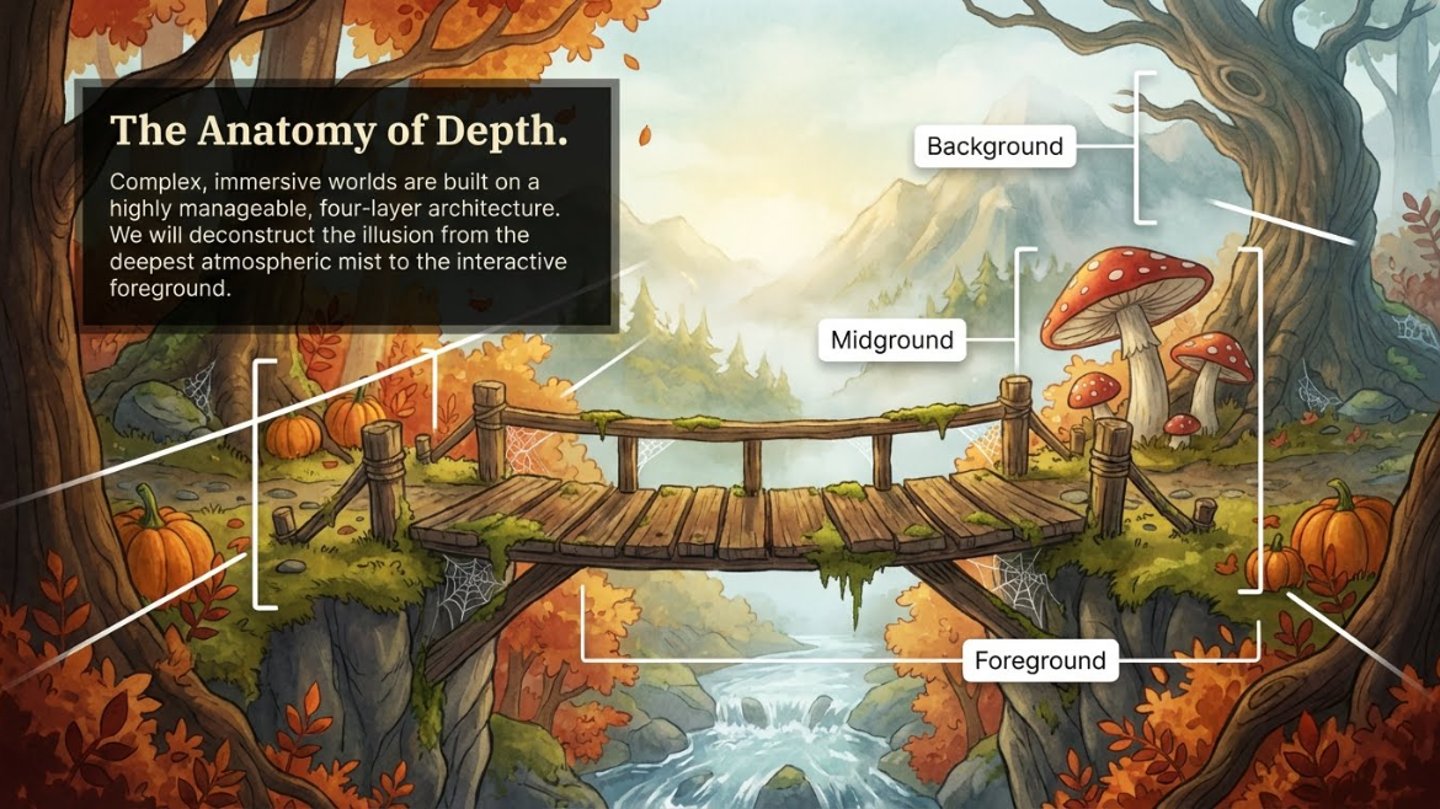
• Separate far, mid, and foreground layers
• Maintain perfect lighting and perspective alignment
• Build scalable parallax systems
• Export clean transparent PNG layers
• Control depth speed and stacking inside your engine
This method works for:
2D Platformers
Metroidvanias
Side Scrollers
Stylized Indie Games
2.5D Environments
If you’re building games with AI tools, this is the workflow you need.
Prompet to Mixborad - Game scene composition
Create a polished 2D platformer game scene composition
The result must look like a real in-game screenshot from a finished, production-ready 2D game.
Aspect ratio: strict 16:9 landscape.
Designed for desktop or console gameplay.
Art Style
Hand drawn.
At this stage, feel free to experiment with art styles.
You can try:
Hand-drawn
Painterly
Modern cartoon
Anime-inspired
Pixel art
Semi-realistic fantasy
Cel-shaded
Minimalist flat design

Prompet to Mixborad - UNIVERSAL PARALLAX LAYER PROMPT
Generate separate depth layers for a 2D side-scrolling game environment
Each layer must be created as an individual image file.
All layers must maintain identical art style, lighting, camera angle, horizon height, and perspective to ensure perfect alignment when stacked inside a game engine.
The purpose is to create a consistent parallax scrolling background system.
All images must be strictly 16:9 widescreen horizontal format.
Style Consistency Rule (Apply To All Layers)
Use a consistent visual style across all layers.
Maintain the same camera position and side-view perspective.
Do not change lighting direction between layers.
Do not shift the horizon line.
All layers must feel like they belong to the same world and scene.
Generate The Following Depth Layers
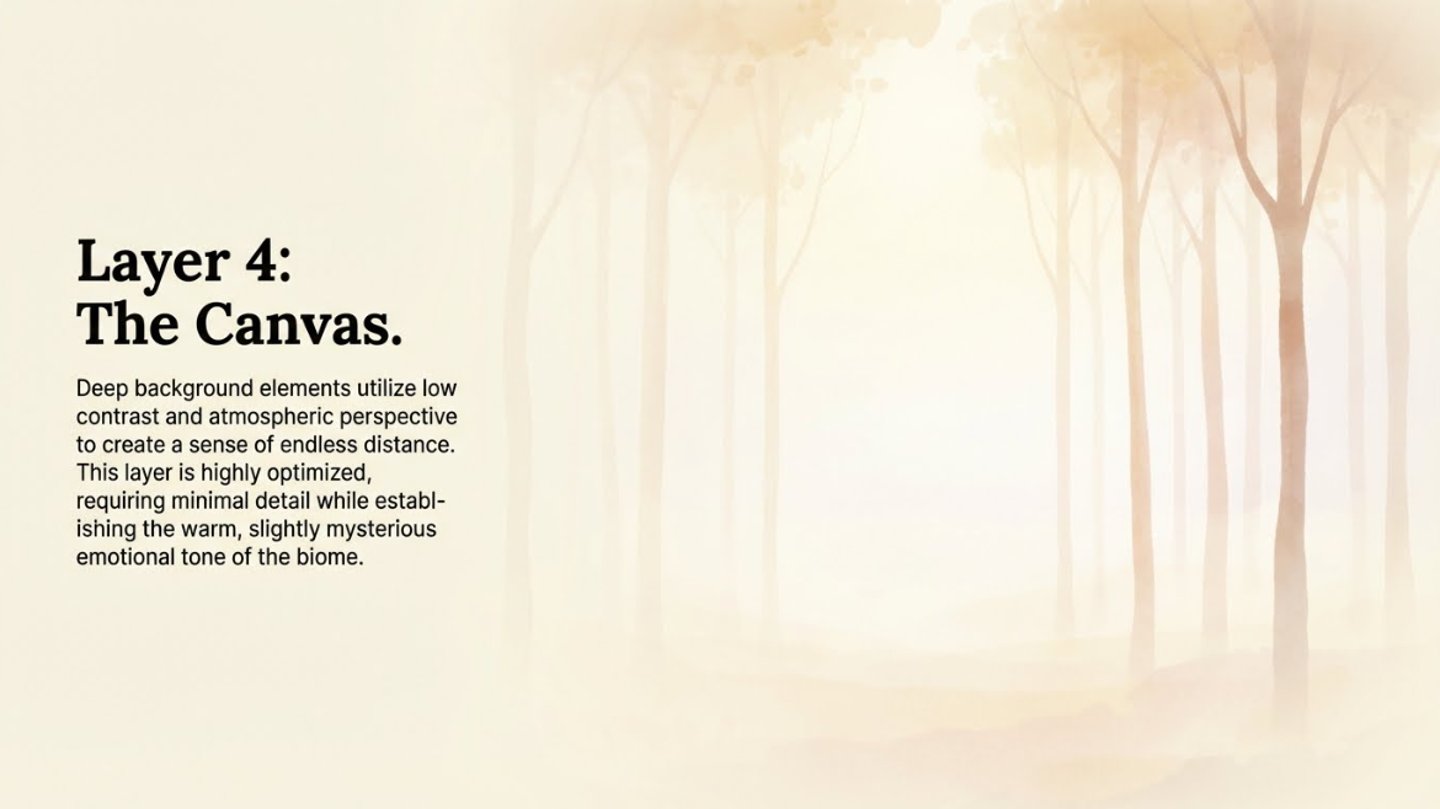
1. Far Background Layer (Slowest Movement)
Only distant environmental elements.
Low contrast and reduced detail.
No gameplay platforms.
No foreground objects.
No characters.
Leave space in lower areas for stacking additional layers.
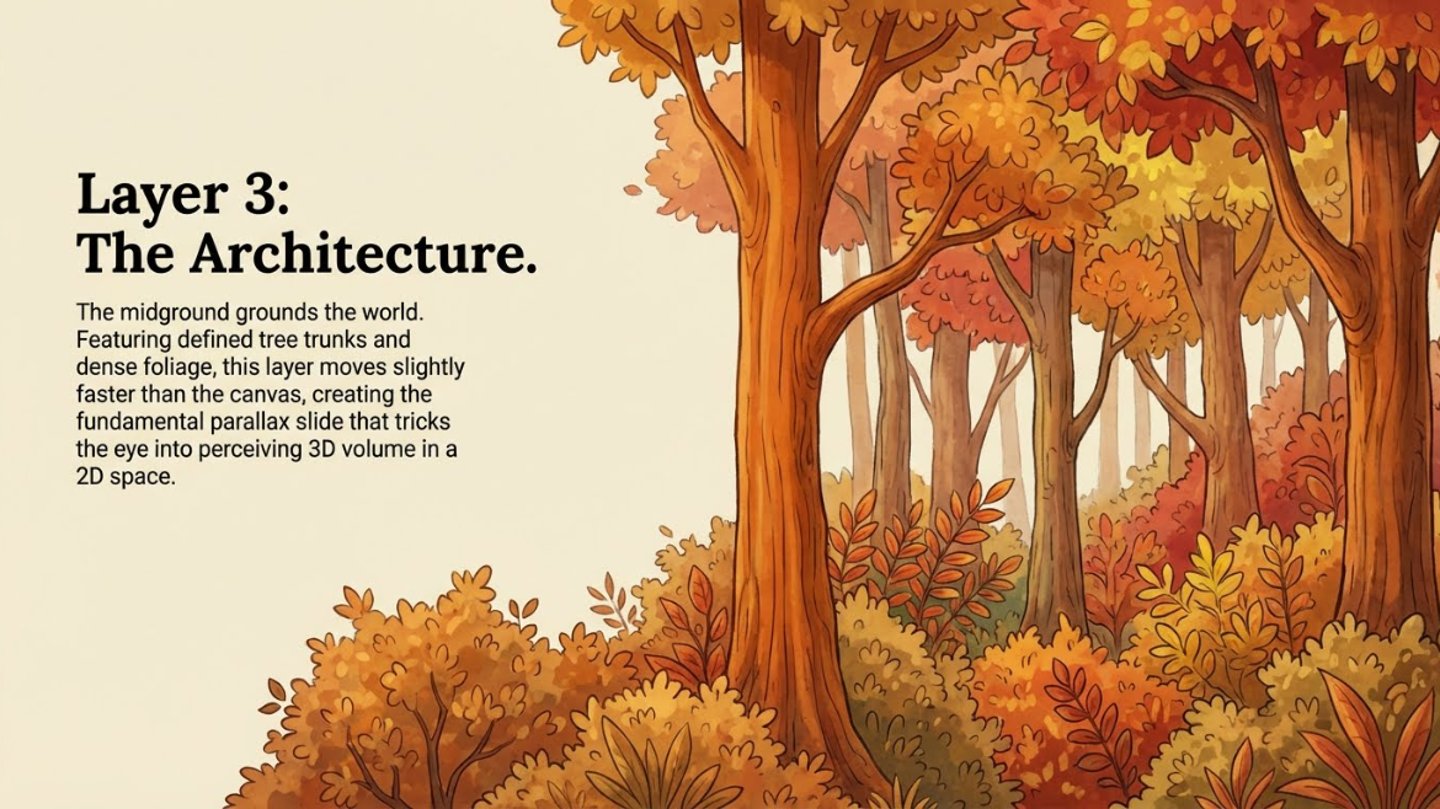
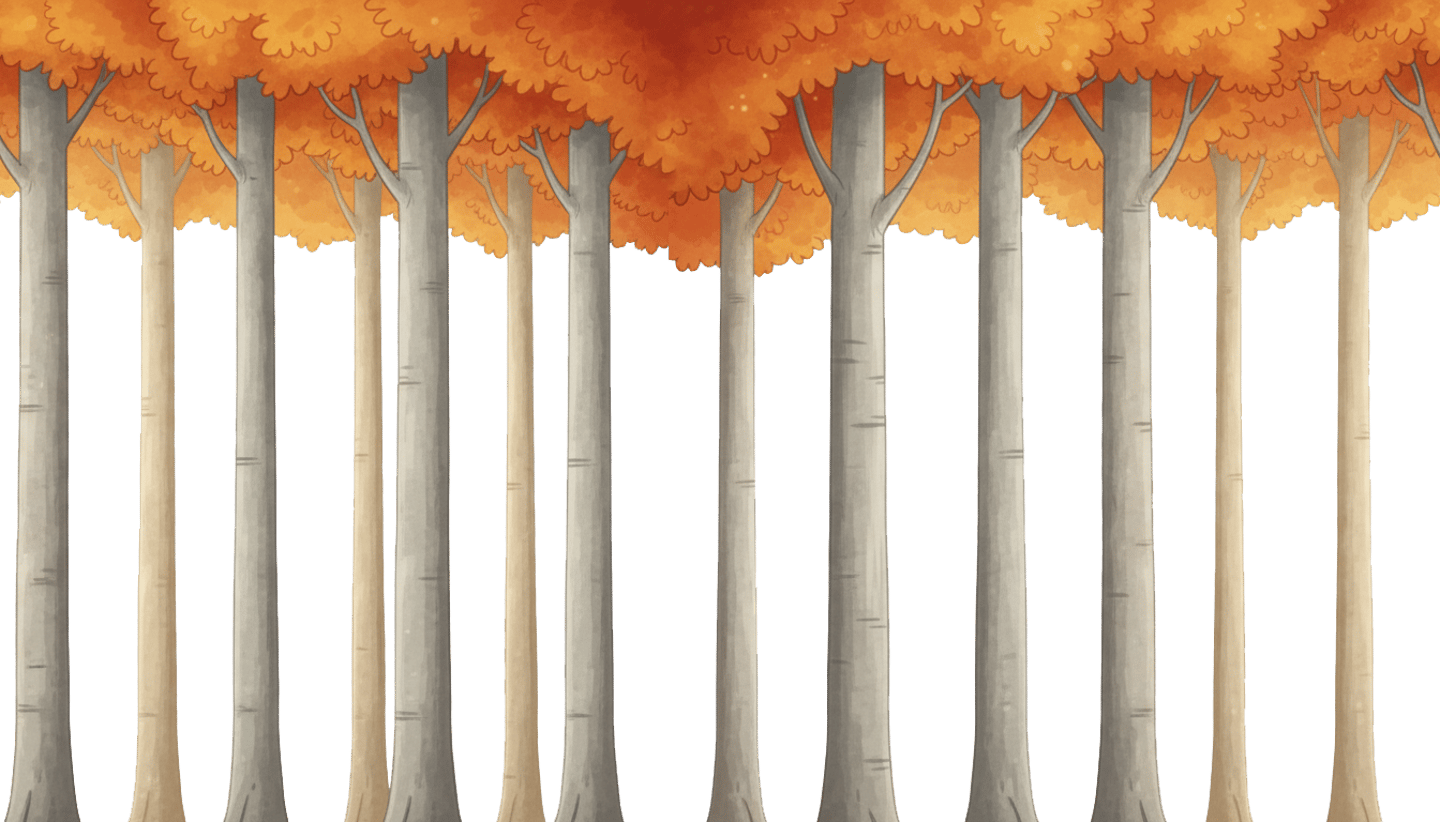
2 Mid Background Layer
Environmental structures with medium detail and contrast.
Still no gameplay platforms.
No characters.
Designed to sit in front of the far background but behind gameplay elements.
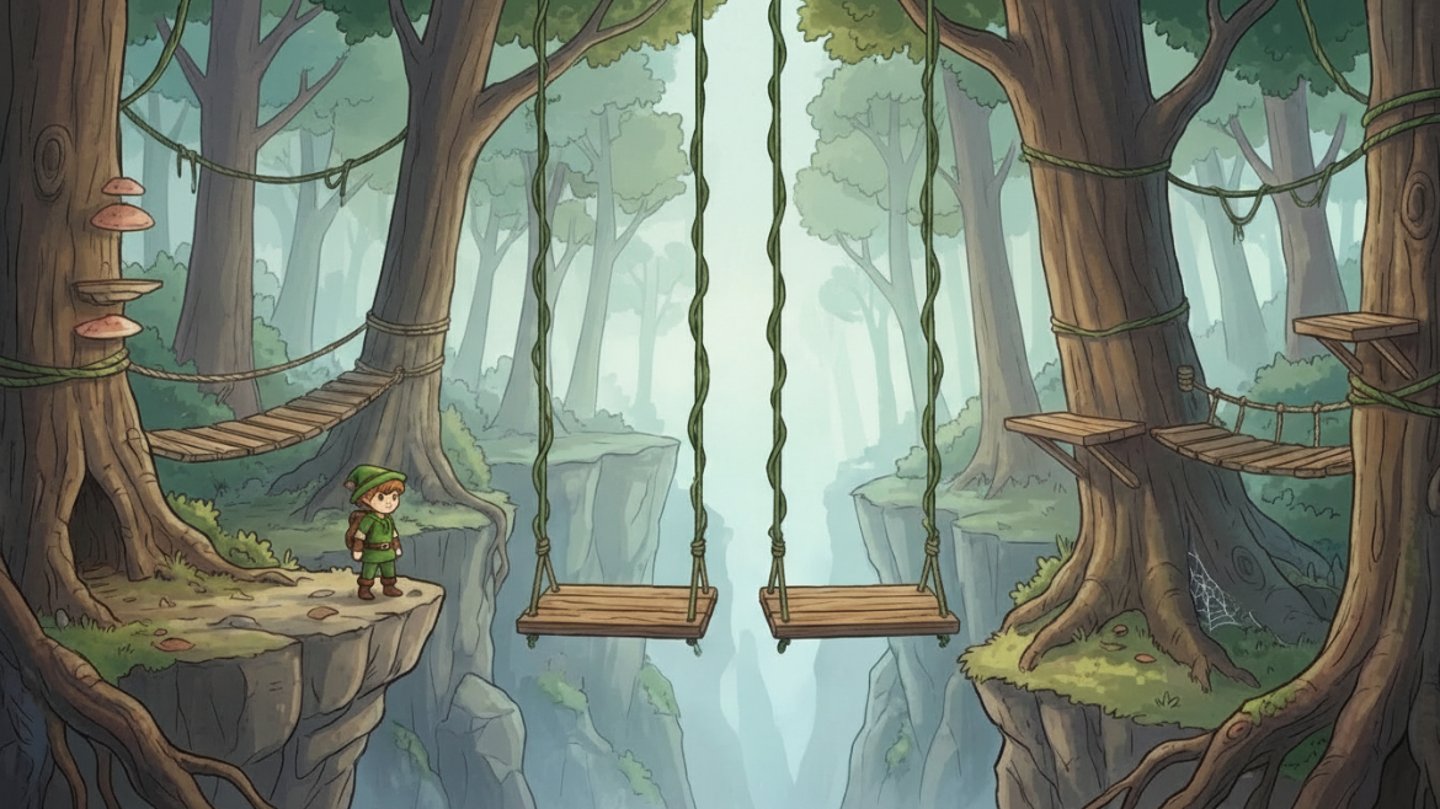
3. Gameplay Layer
Playable ground, platforms, stairs, props, or environmental objects relevant to gameplay.
Clean separation from background.
No far background elements included.
Optimized for collision and interaction.
4. Foreground Layer (Fastest Movement)
High-contrast silhouette or decorative foreground elements.
Positioned at the bottom or edges of the frame.
No background elements.
No character.
Designed to enhance depth when moving faster than other layers.
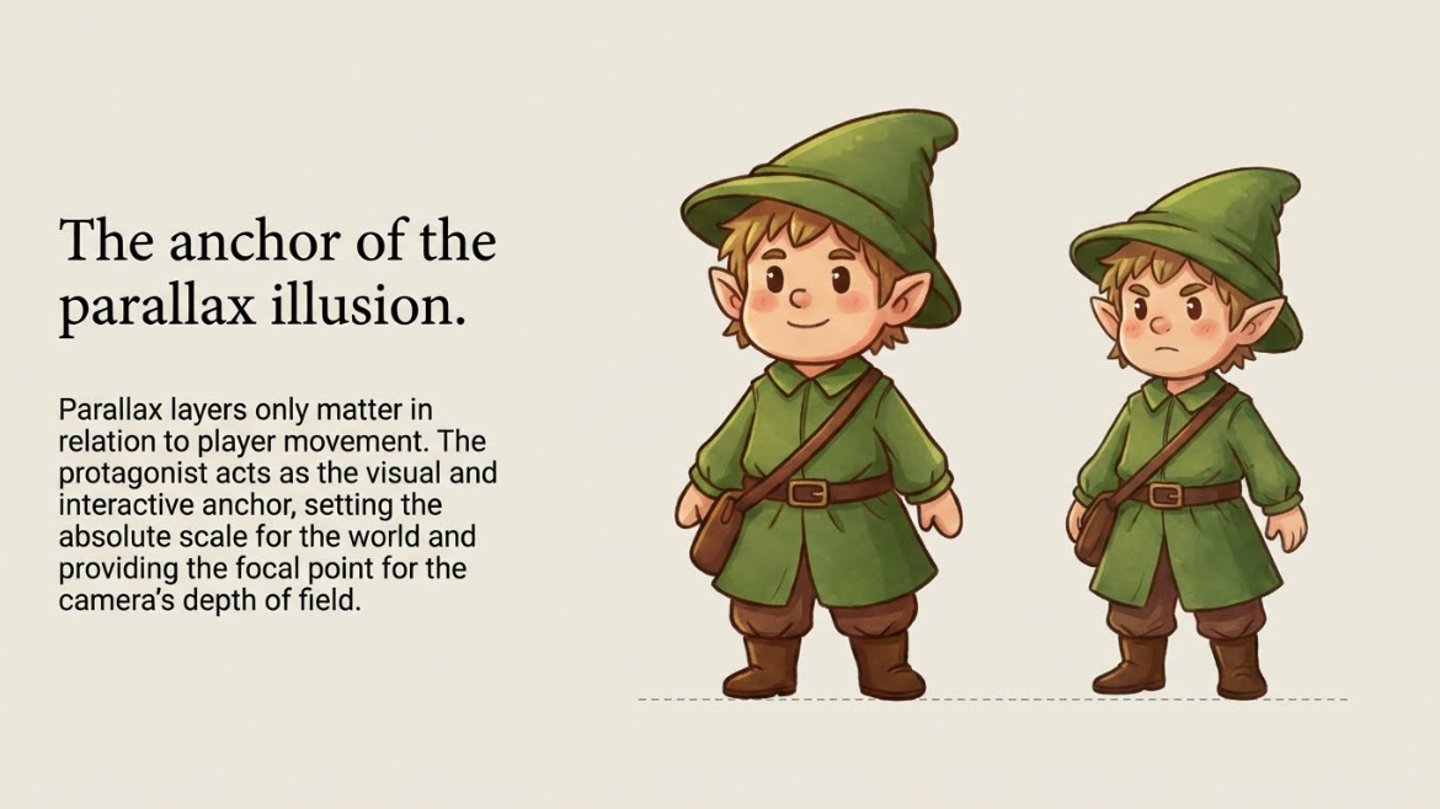
Optional Character Layer
Main character generated separately.
Neutral pose.
Transparent or plain background.
Same art style and camera alignment.
Critical Constraints
Do not merge layers together.
Do not generate a collage.
Do not create multiple panels in one image.
Each layer must be exported as a separate standalone 16:9 image.
All layers must align perfectly when stacked.
Gallery
Animations, characters, and scenes from our latest projects.



Contact
Get in touch for tutorials or assets
© 2026 GameDev Lab. All rights reserved.